
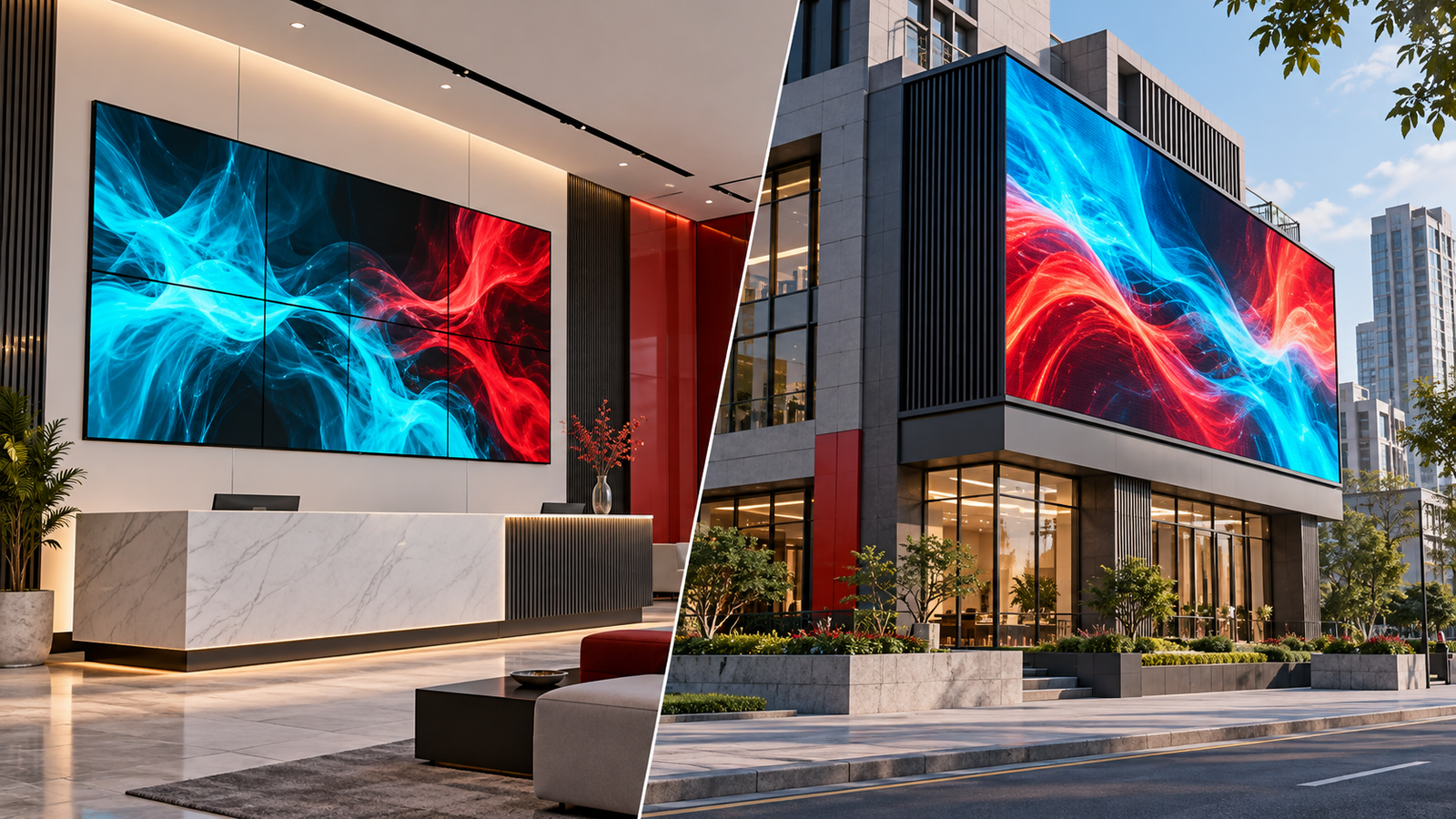
The best SMD screen in Pakistan is the model that meets your viewing, environmental and support requirements within the project budget. Leyard is a brand to consider through Mustang Communications, but there is no evidence-based universal winner for every indoor wall, outdoor billboard and event.
This is a supplier’s buying guide, not an independent ranking. It explains how to compare proposals without assuming that the lowest price proves a counterfeit product or that a brand name guarantees reliability.
1. Define the application before the specification
Record the city, installation location, physical dimensions, closest and typical viewing distances, ambient light, content and operating hours. Identify whether the display is permanent or needs repeated transport and assembly. These details determine which models should be shortlisted.
For an indoor meeting room, small text may be the key task. For a roadside display, message recognition and sunlight readability may matter more. For an event, camera tests and the production schedule can be decisive.
2. Match pixel pitch to content and viewing distance
Smaller pixel pitch provides more pixels within a given area and can improve close-view detail. It can also increase cost. Do not choose from a single distance rule: screen dimensions, active resolution, eyesight and the smallest required text all affect readability.
Ask suppliers for the final canvas resolution and demonstrate your own content from realistic viewing positions. Compare indoor display options in our indoor budgeting guide.
3. Verify the complete environmental design
Compare the exact model’s brightness range, operating conditions and ingress-protection ratings. Outdoor installations also need appropriate cable entries, enclosures, drainage, structural design and maintenance access. An indoor panel should not be used beyond its documented limits.
Brightness should suit the site by day and remain comfortable at night. Avoid treating one nit value or one contrast ratio as a universal quality threshold for every project.
4. Test image quality and camera performance
Display text, gradients, dark video, skin tones and solid colours. Check uniformity, alignment and visible joins. Use comparable brightness and source settings when comparing screens.
If the wall will be filmed, test the actual camera and processor setup. A refresh rate such as 3,840 Hz is not a guarantee of clean footage: shutter timing, scan behaviour and spatial moiré also matter. Ask the integrator to demonstrate the intended production conditions.
5. Compare installation, warranty and ownership costs
- Exact manufacturer, model, cabinet layout, resolution and controller.
- Structure, access equipment, electrical works and safe service access.
- Commissioning tests, training and configuration backups.
- Written parts, labour, freight, exclusions and claim responsibilities.
- Documented power data, maintenance costs and compatible spare components.
- Quote validity, current availability, lead time and excluded charges.
Review relevant projects and request references with the client’s permission. A project number is not proof of a completed-project total. Verify authorization and manufacturer-backed coverage where those claims form part of the offer.
Write down the job the screen must perform
Start with the audience and content rather than a preferred product label. Explain what viewers need to read or watch, where they will be and how long they normally look at the display. A reception welcome wall, a classroom, a shop entrance and an event stage have different priorities. Record those differences before requesting quotations so suppliers can explain why a proposed configuration fits the actual use.
Photograph the site and prepare a simple dimensioned sketch. Include nearby furniture, obstructions, daylight and the intended maintenance route. State the daily schedule and whether the installation is permanent or temporary. If the screen must appear on camera, say so at the beginning. A complete brief does not require the buyer to design the system; it gives qualified suppliers enough information to make relevant recommendations and identify unresolved questions.
Choose dimensions and resolution together
Physical size determines how much space the display occupies, while pixel resolution describes the available image grid. Both matter. Ask the supplier to show the active width, height and pixel dimensions for the offered cabinet arrangement. Do not assume that a screen with a particular area automatically supports the same level of detail as another screen of similar size. The pitch and cabinet layout must also be considered.
Test the smallest ordinary text from the intended viewing positions. If a presentation contains dense charts, use those charts rather than a simplified sales demonstration. For advertising, check the main message at the distance where the audience first notices it. Good content design remains necessary even with a detailed display. A technically capable screen cannot make an overcrowded layout easy to understand without changes to the artwork itself.
Treat indoor and outdoor requirements differently
Tell the supplier how exposed the location will be and which environmental conditions need assessment. An indoor wall near an open entrance may have different conditions from a climate-controlled meeting room. Outdoors, the complete installation needs review for exposure, cooling, connections and access. Ask qualified people to assess the structure and electrical work. A single cabinet specification does not answer every question about the surrounding installation.
Discuss brightness in the context of the site and operating hours. A display used in daylight may need a different operating policy after dark. Indoors, comfort during long viewing periods can matter as much as visual impact. Ask for relevant product information and a practical demonstration. Avoid universal claims that one brightness figure or one pitch is required for all screens across Pakistan, regardless of content and location.
Understand the control system before ordering
List every source the screen must display and describe the required arrangement. A retail playlist, an office presentation and a live event camera feed may need different workflows. Ask whether the quoted controller and playback equipment support the intended tasks and whether extra licences or processing are included. Clarify the operator’s steps for selecting content and switching sources, particularly when ordinary staff rather than technicians will use the system.
If several sources must be shown together, test the actual layout. Check the size and readability of each region, not merely the number of inputs available. Discuss how settings and content are backed up and who owns administration accounts. A suitable screen purchase includes a workable signal and control arrangement. Leaving those questions until after hardware delivery can create unexpected cost or an awkward daily operating process.
Evaluate products using a repeatable demonstration
Prepare a short set of files covering text, gradients, logos, skin tones, dark scenes and moving video. Use the same material when reviewing competing products and record relevant settings. View from central, side and closest audience positions. Ask the supplier to explain scaling and calibration. This helps the team identify which observed differences belong to the product, the configuration or the conditions of the demonstration.
For camera applications, involve the production team and use the intended camera setup. A high refresh-rate claim is not a universal guarantee against recording artefacts. For meeting rooms, bring the people who regularly present information. For retail, show representative campaign artwork. The strongest demonstration reflects the job the display will actually perform and gives the purchasing team specific observations it can use in a decision record.
Compare complete scope and ownership costs
Request itemized quotations covering the display, controller, mounting arrangement, electrical work, cabling, delivery, installation, commissioning and training. Ask for exclusions, provisional items and current commercial terms. Compare equivalent responsibilities before deciding that one price is better value. A hardware-only proposal and a fully installed proposal cannot be assessed fairly from their totals alone, even when the stated screen dimensions appear similar.
Add the operating schedule, energy estimate, content work and service arrangement to the ownership plan. Use model-specific power information and explicit assumptions rather than a guaranteed monthly electricity figure. Ask how the wall is accessed for repairs and whether access equipment or travel is chargeable. A lower initial price may still suit a project, but the buyer should understand what ongoing responsibilities and risks accompany that choice.
Read support terms before the payment decision
Identify who provides product coverage, who supports installation workmanship and who coordinates a fault involving several components. Request the applicable documents and check the exact model, start date, exclusions, labour and claim procedure. A promise of a quick response should explain whether it means acknowledgement, attendance or restoration. These distinctions matter when the display supports business activity or a scheduled event.
Ask about spares, configuration backups and visual matching after a replacement. Do not assume that parts remain interchangeable forever or that every repair requires replacing the whole wall. The service team should assess the actual fault and compatibility. Keep invoices, serial records and support details in an organization-owned folder so the arrangement remains usable when staff or external contractors change.
Apply the guide to three different projects
For a boardroom, prioritize a demonstration of normal presentation files from every intended seat, straightforward source selection and practical service access. For an outdoor advertising site, focus the initial review on location, approvals, exposure, structure, message visibility and operating policy. For an event, include assembly schedule, source switching, camera tests, rehearsal and the agreed fallback. The best purchasing questions change with the task even when all three projects use LED displays.
Bring the results together in a short decision record listing the selected model, evidence, complete scope and unresolved items. Ask Mustang Communications for a specific Leyard proposal where it suits the brief and compare relevant alternatives on the same basis. A defensible choice is one the buyer can explain through documented requirements and observed performance. No honest guide can name one screen as the automatic answer to every SMD-related question or every installation in Pakistan.
Frequently asked questions
Which SMD brand should I choose?
Shortlist brands, including Leyard where appropriate, whose specific models meet the brief. Use documented specifications, a demonstration and written local service terms to make the decision.
Should I always buy the finest pitch?
No. Pay for detail the audience and content need. A test at the planned size can reveal whether a less expensive suitable model meets the same requirements.
Read the brand comparison guide, COB versus SMD guide and warranty checklist. Request an itemized Leyard proposal from Mustang Communications using your site dimensions and content requirements.